 01 / 03
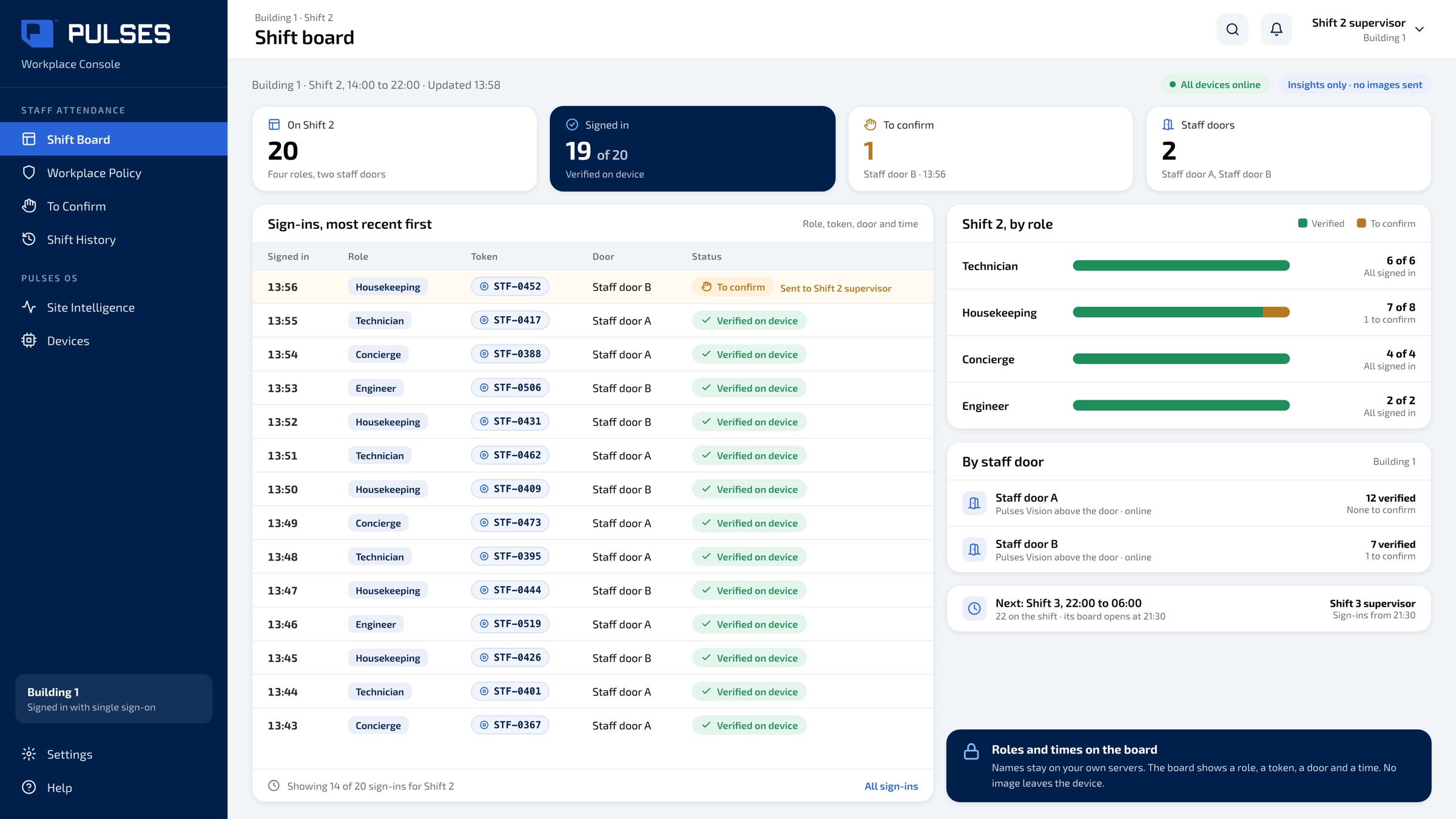
 Shift board
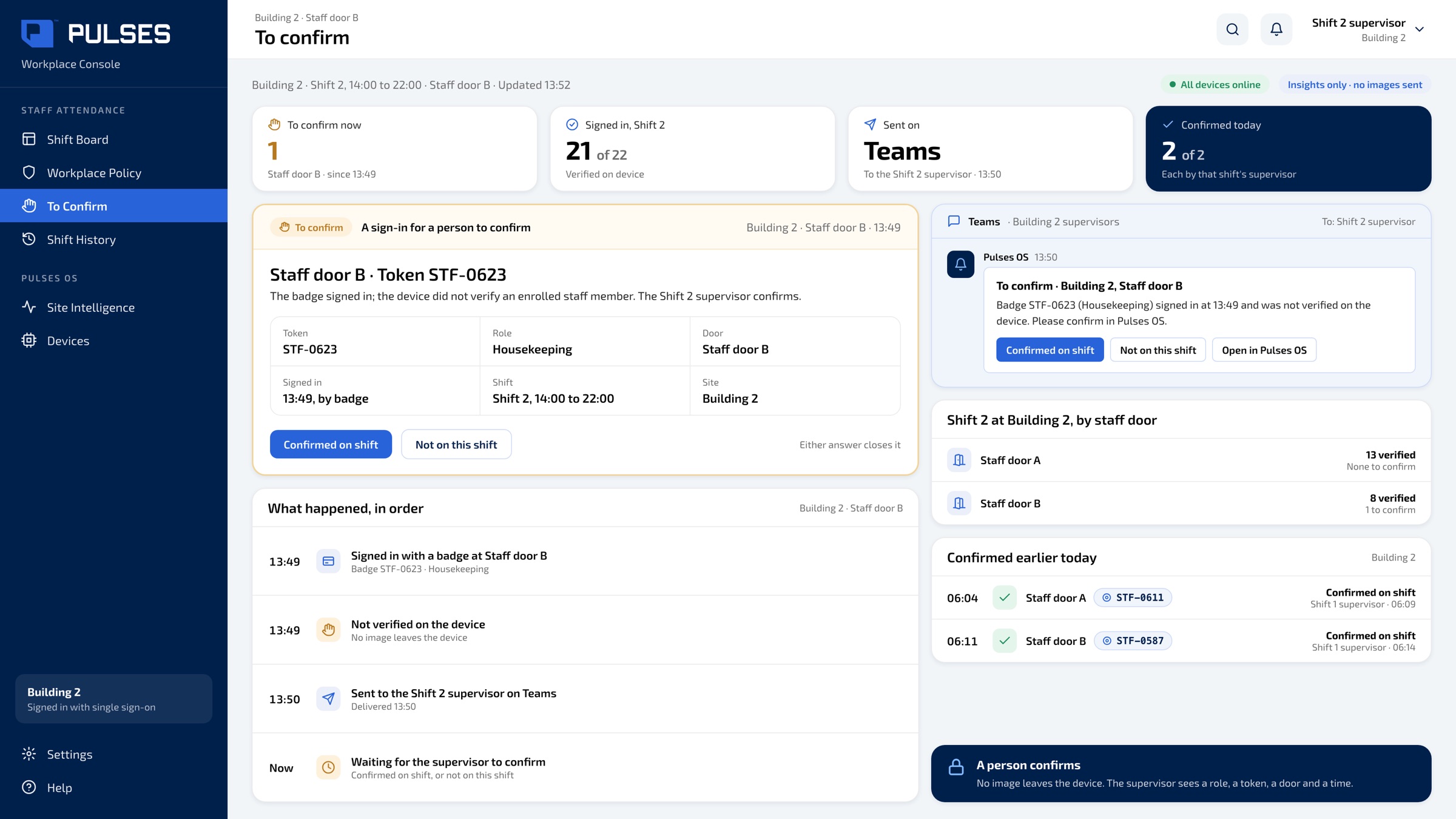
Each sign-in shows a role, a token, a door and a time, verified on the device for staff who enrolled with consent.
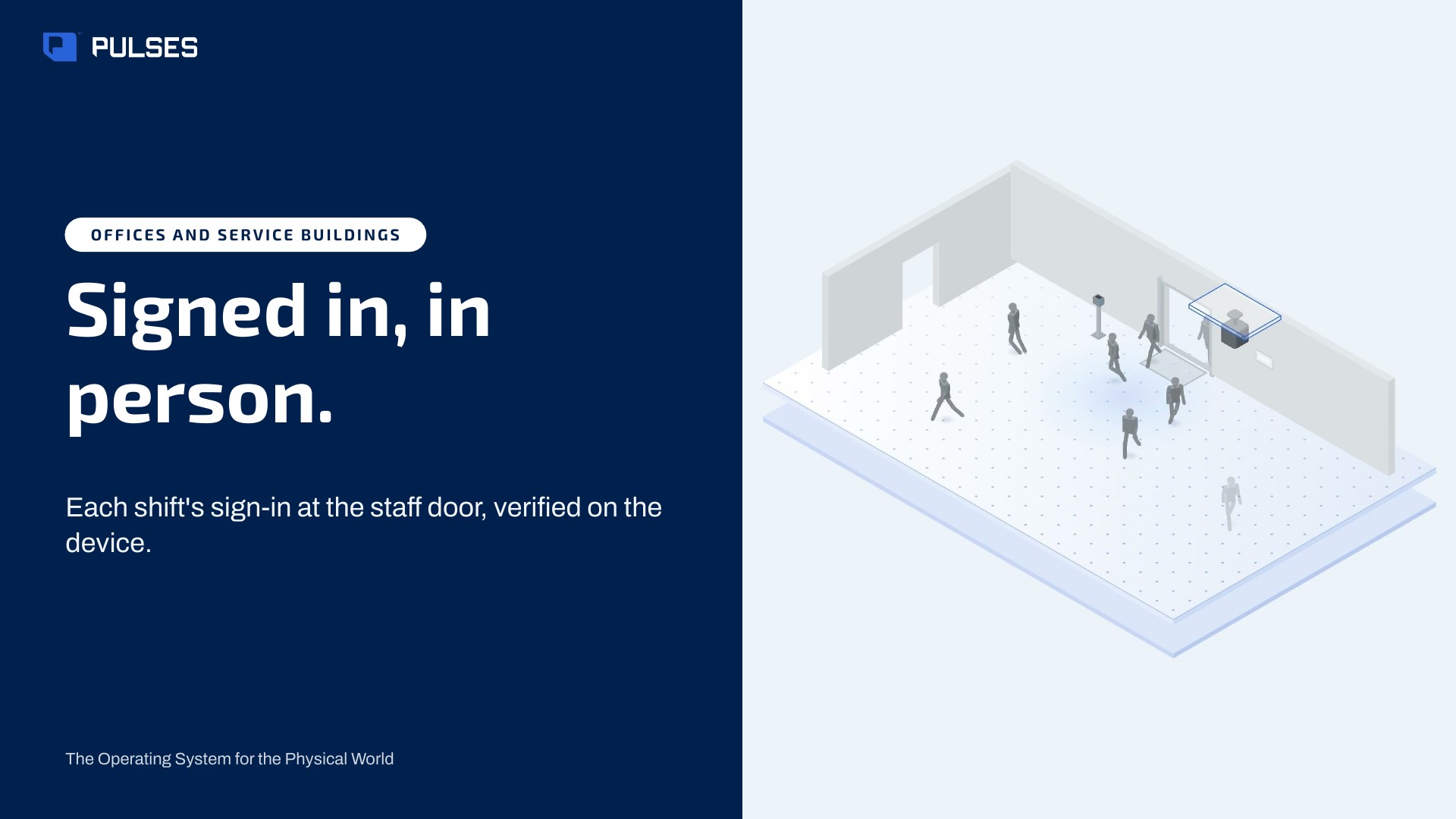
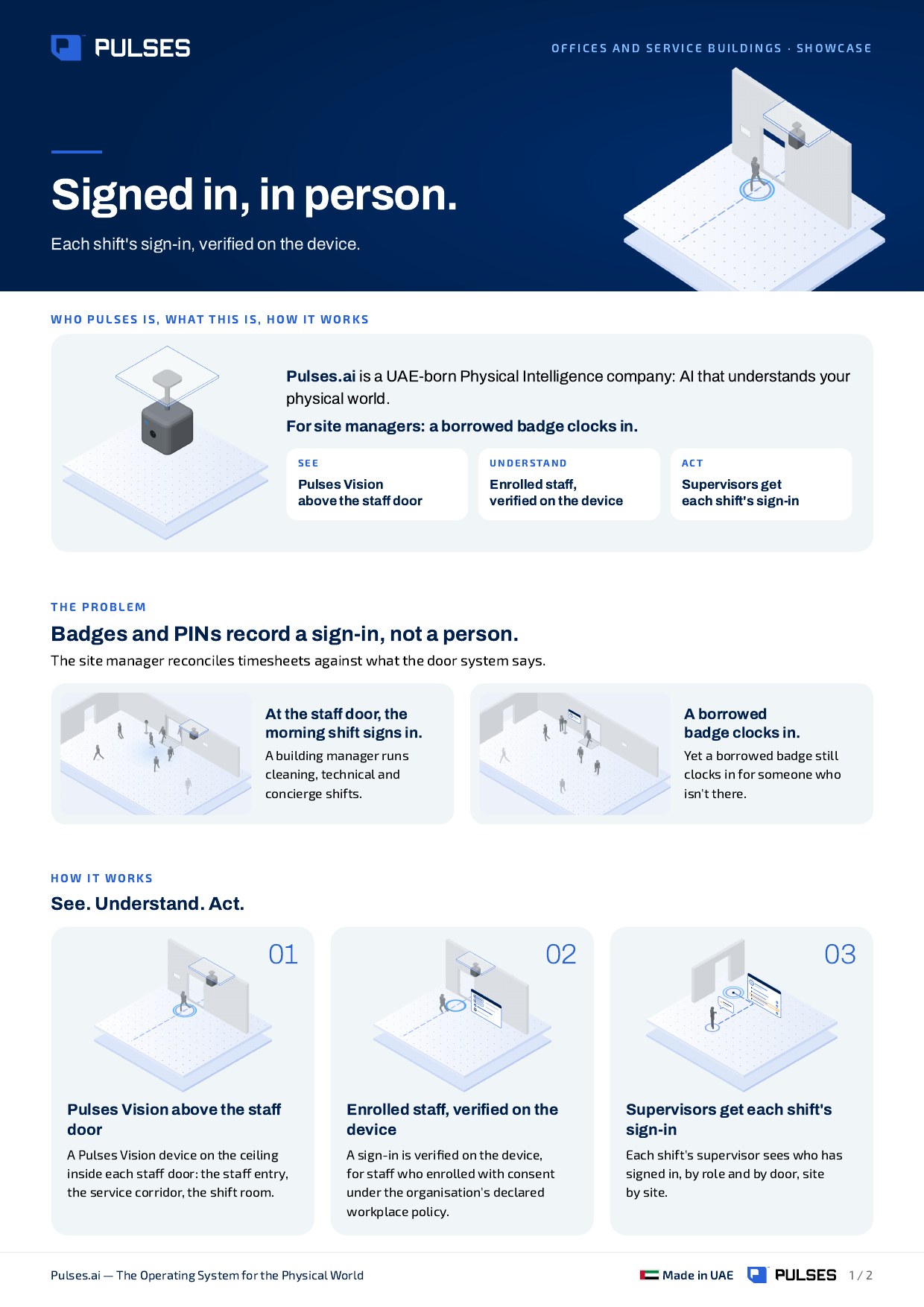
For site managers: a borrowed badge clocks in. Each shift's sign-in, verified on the device.
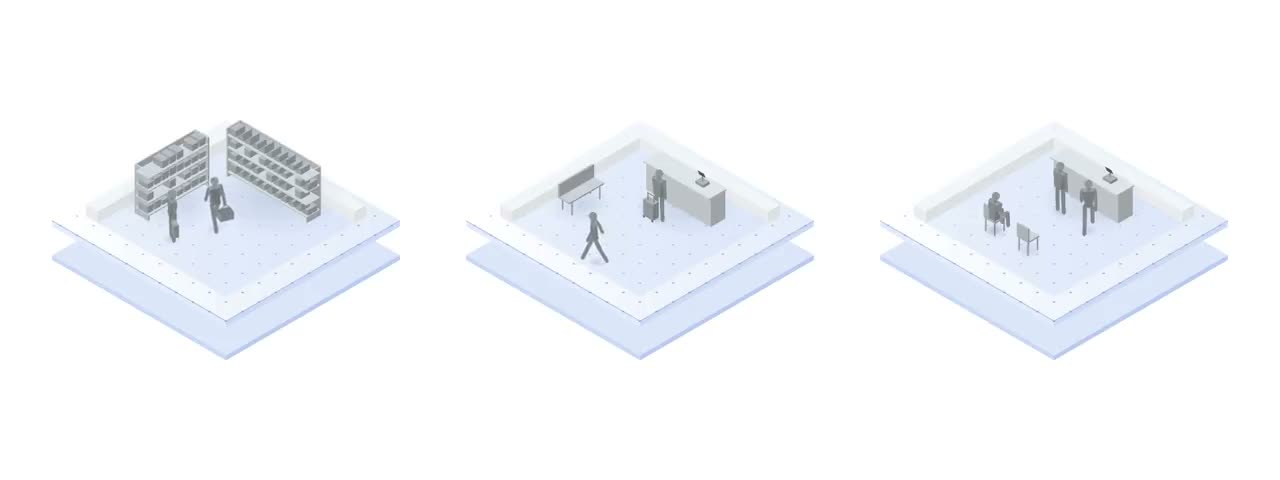
A Pulses Vision device on the ceiling inside each staff door: the staff entry, the service corridor, the shift room.
Each sign-in is verified on the device, for staff who enrolled with consent under your declared workplace policy. Names stay on your own servers; the board shows roles and times.
Each shift's supervisor sees who has signed in, by role and by door. A sign-in that doesn't verify goes to the supervisor to confirm, on WhatsApp, Teams, SMS or email.
01 / 03 Each sign-in shows a role, a token, a door and a time, verified on the device for staff who enrolled with consent.
 02 / 03
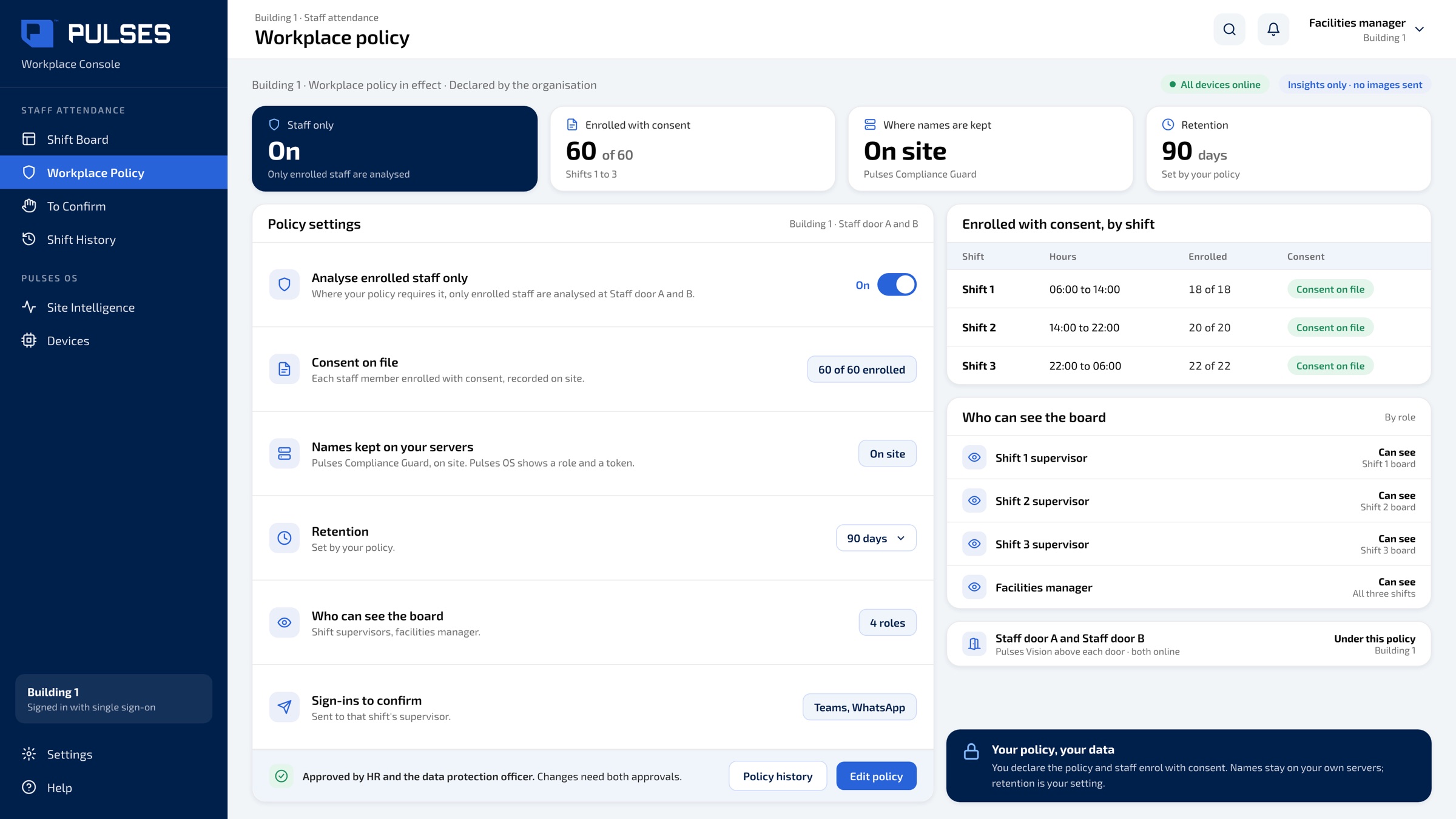
 Where your policy requires it, only enrolled staff are analysed. Consent on file, names on your own servers, retention set by you.
 03 / 03
 A sign-in that doesn't verify goes to the supervisor to confirm: confirmed on shift, or not on this shift.
The story for HR, facilities and your data protection officer.
Print-ready. Hand it on after the walkthrough.
We go through your doors, shifts and workplace policy with you.
Ask Pulses
Hello. Ask a question, or type your business.
Pulses spots a growing queue or a late car as it happens, and alerts your team.
What leaves the device is anonymous data, not video.
No. Pulses works alongside it, and can process its feeds on site.
Pulses Vision indoors, Vision Pro outdoors, Vision Tower for temporary sites, Vision Roam on vehicles.
Your supervisors, on the channels they use, with your approval.
Book a walkthrough. We find where Pulses helps first.
See Pulses at your site. Book a walkthrough.
Book a Walkthrough