 01 / 03
 The fence line tonight
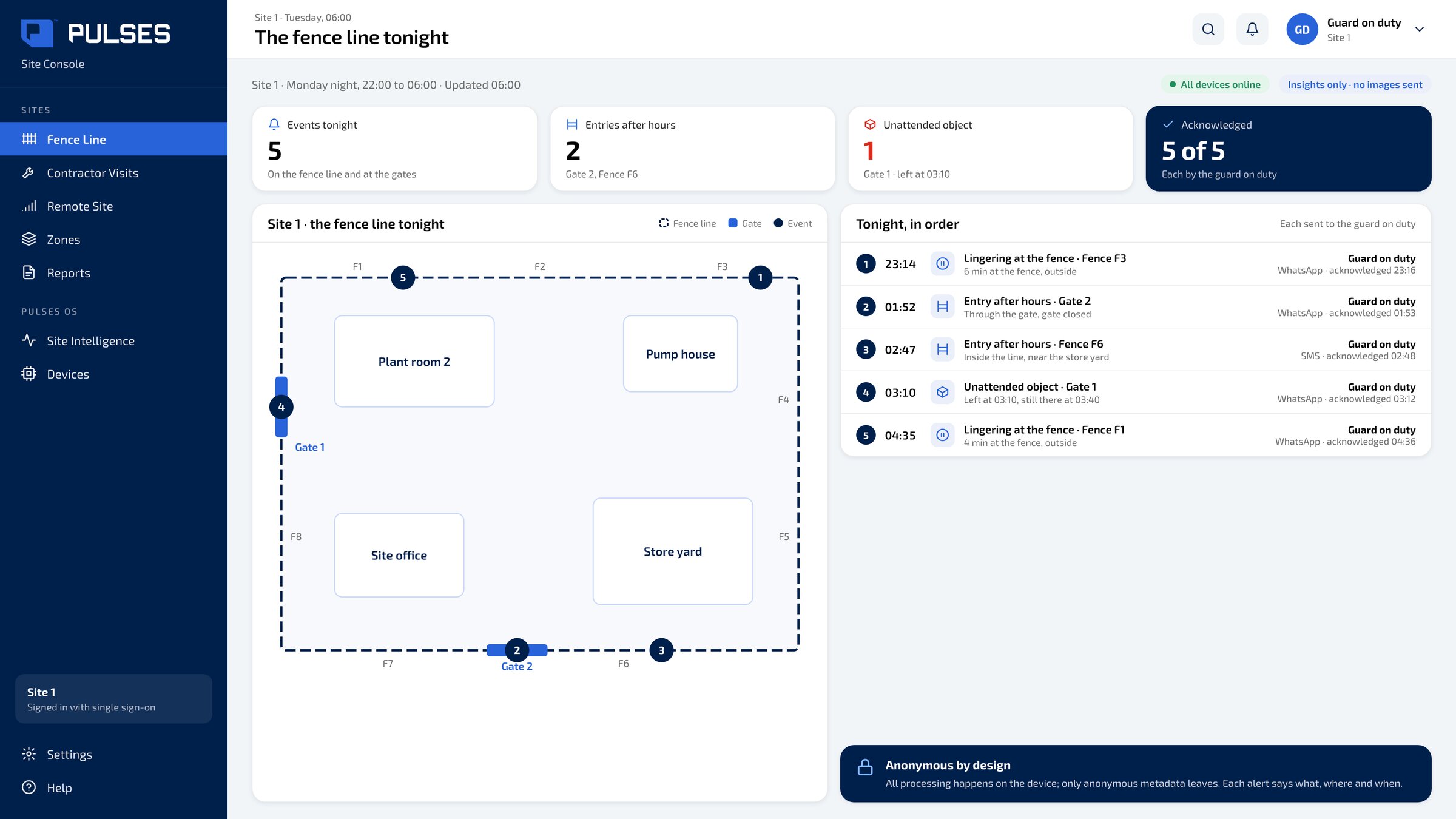
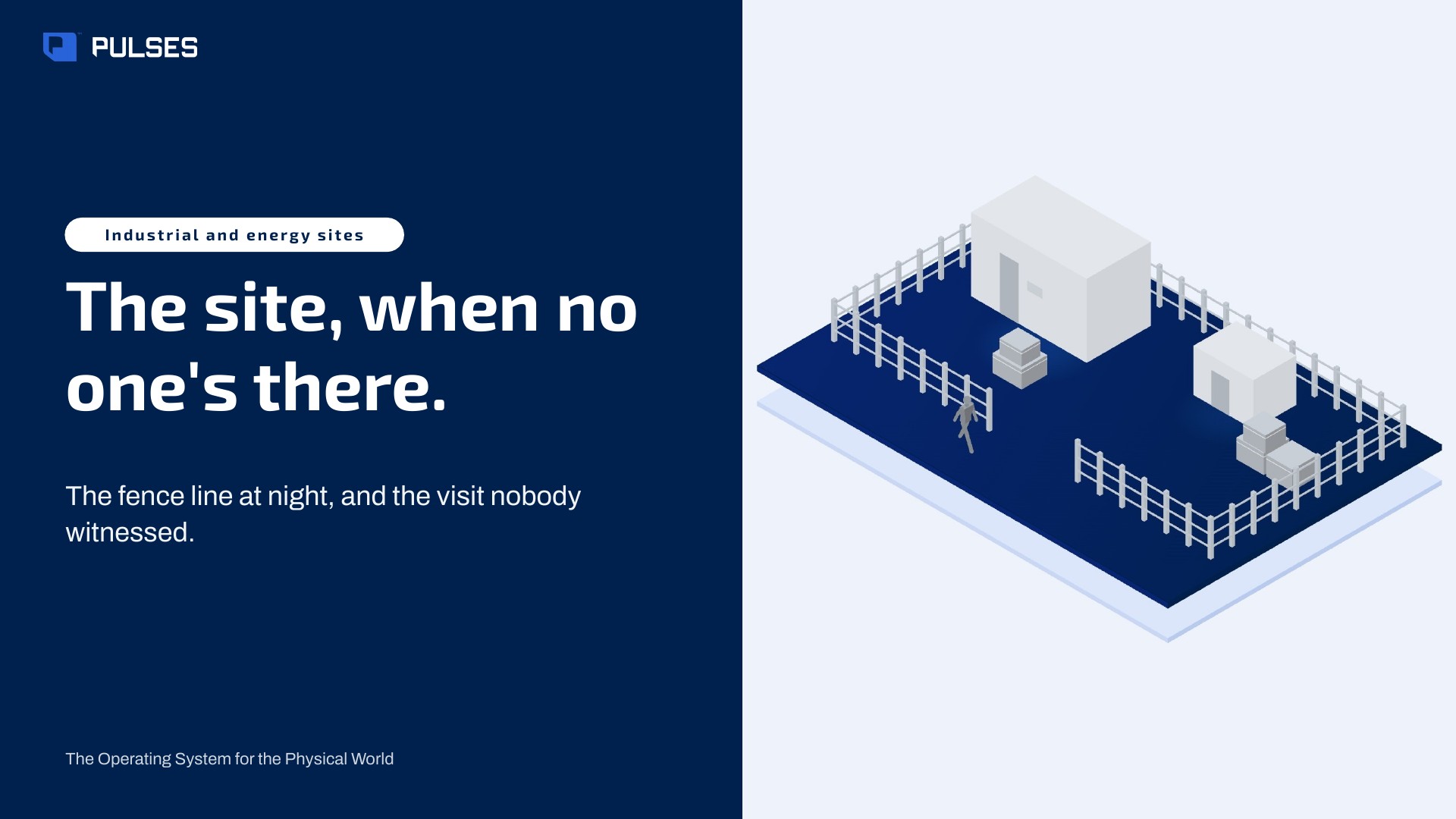
Entries after hours, an object left by a gate and lingering at the fence, on the site plan, each sent to the guard on duty with what, where and when.
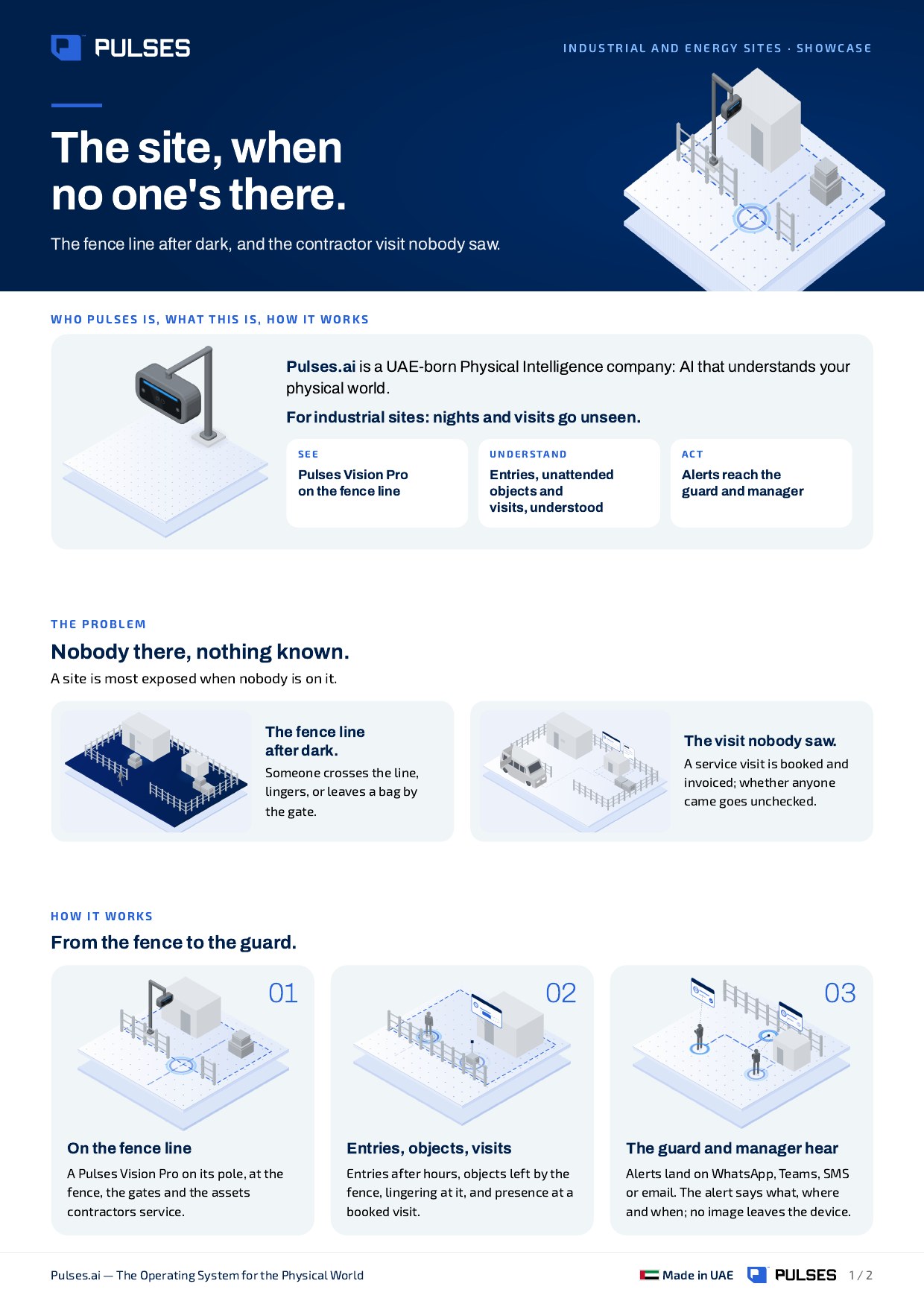
For industrial sites: nights and visits go unseen. Know the fence line after dark, and whether the contractor came.
A Pulses Vision Pro on its pole along the fence line, at the gates and at the assets contractors service. It runs on low bandwidth: no images leave the device.
Someone inside the line after hours, and the guard hears. An object left by the fence is flagged too. A service visit is checked by presence, not by the invoice.
No presence seen? The site manager knows before the invoice is approved. Alerts land on WhatsApp, Teams, SMS or email.
01 / 03 Entries after hours, an object left by a gate and lingering at the fence, on the site plan, each sent to the guard on duty with what, where and when.
 02 / 03
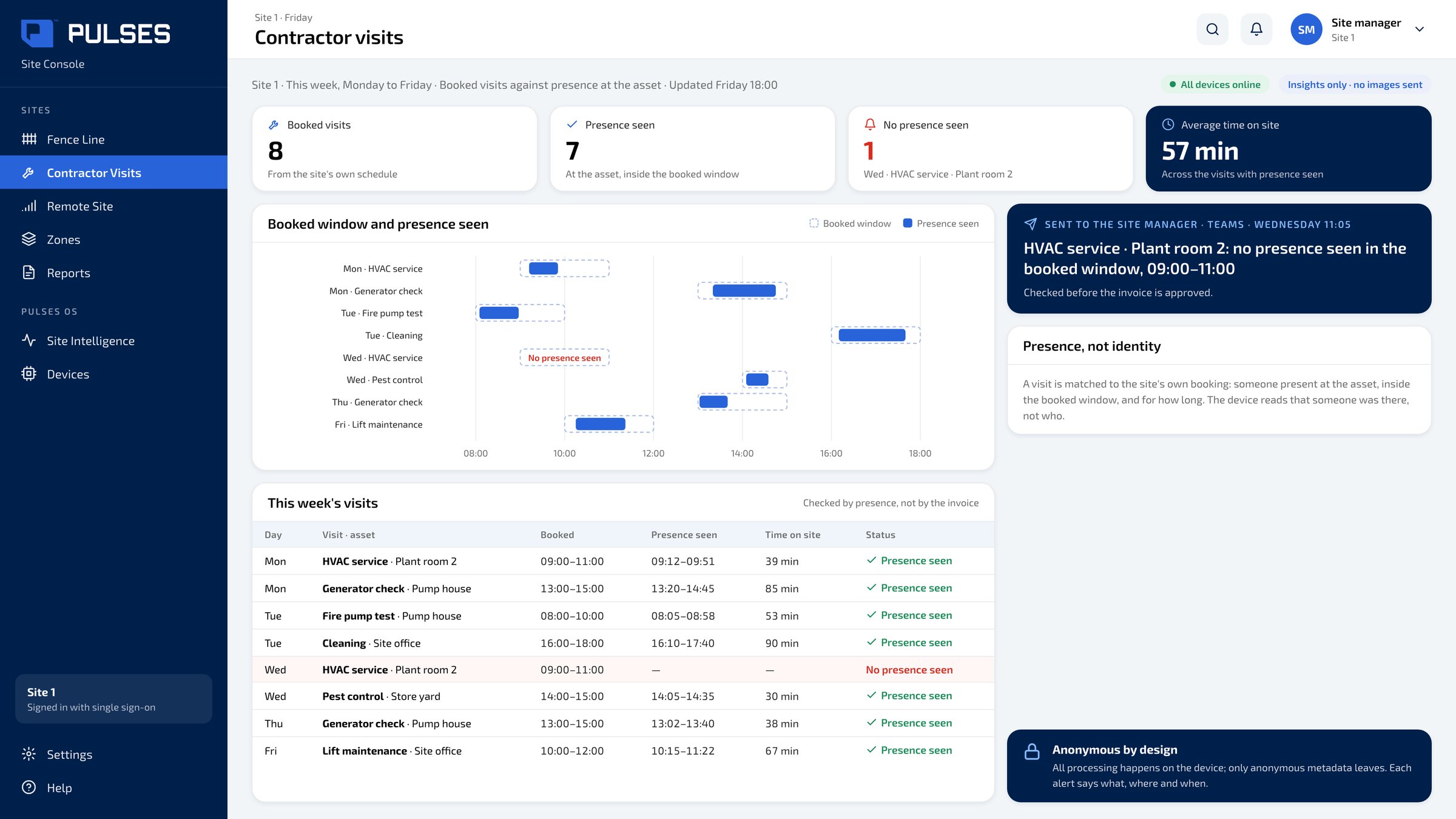
 The week's booked visits against presence seen at the asset and time on site; a visit with no presence seen goes to the site manager.
 03 / 03
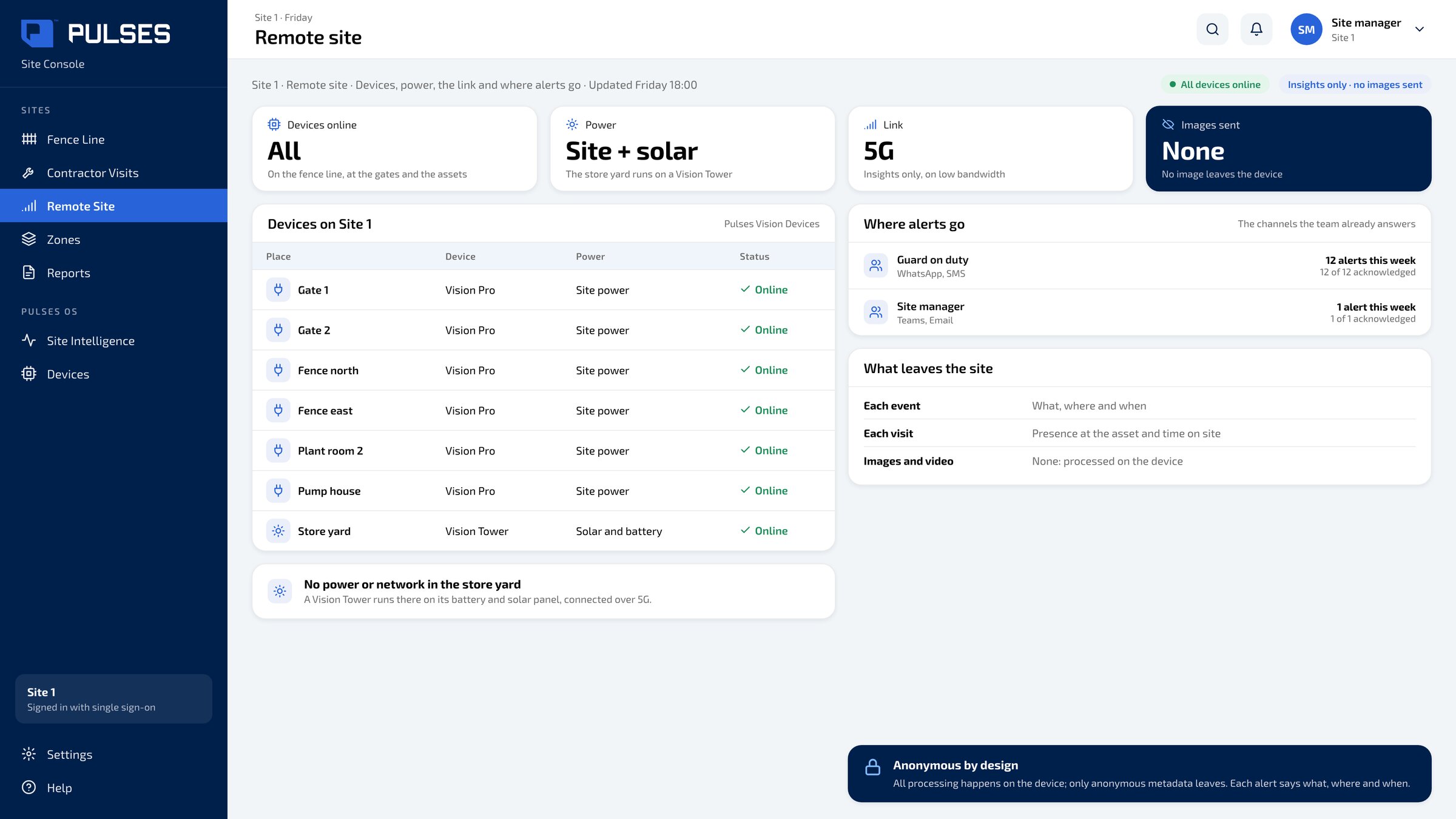
 Each device on the fence line, the Vision Tower on solar in the store yard, the link, and the channels each alert goes to.
The story for your leadership team: the problem and how it works.
Print-ready. Hand it on after the walkthrough.
We go through your site plan with you, gate by gate.
Ask Pulses
Hello. Ask a question, or type your business.
Pulses spots a growing queue or a late car as it happens, and alerts your team.
What leaves the device is anonymous data, not video.
No. Pulses works alongside it, and can process its feeds on site.
Pulses Vision indoors, Vision Pro outdoors, Vision Tower for temporary sites, Vision Roam on vehicles.
Your supervisors, on the channels they use, with your approval.
Book a walkthrough. We find where Pulses helps first.
See Pulses at your site. Book a walkthrough.
Book a Walkthrough