 01 / 03
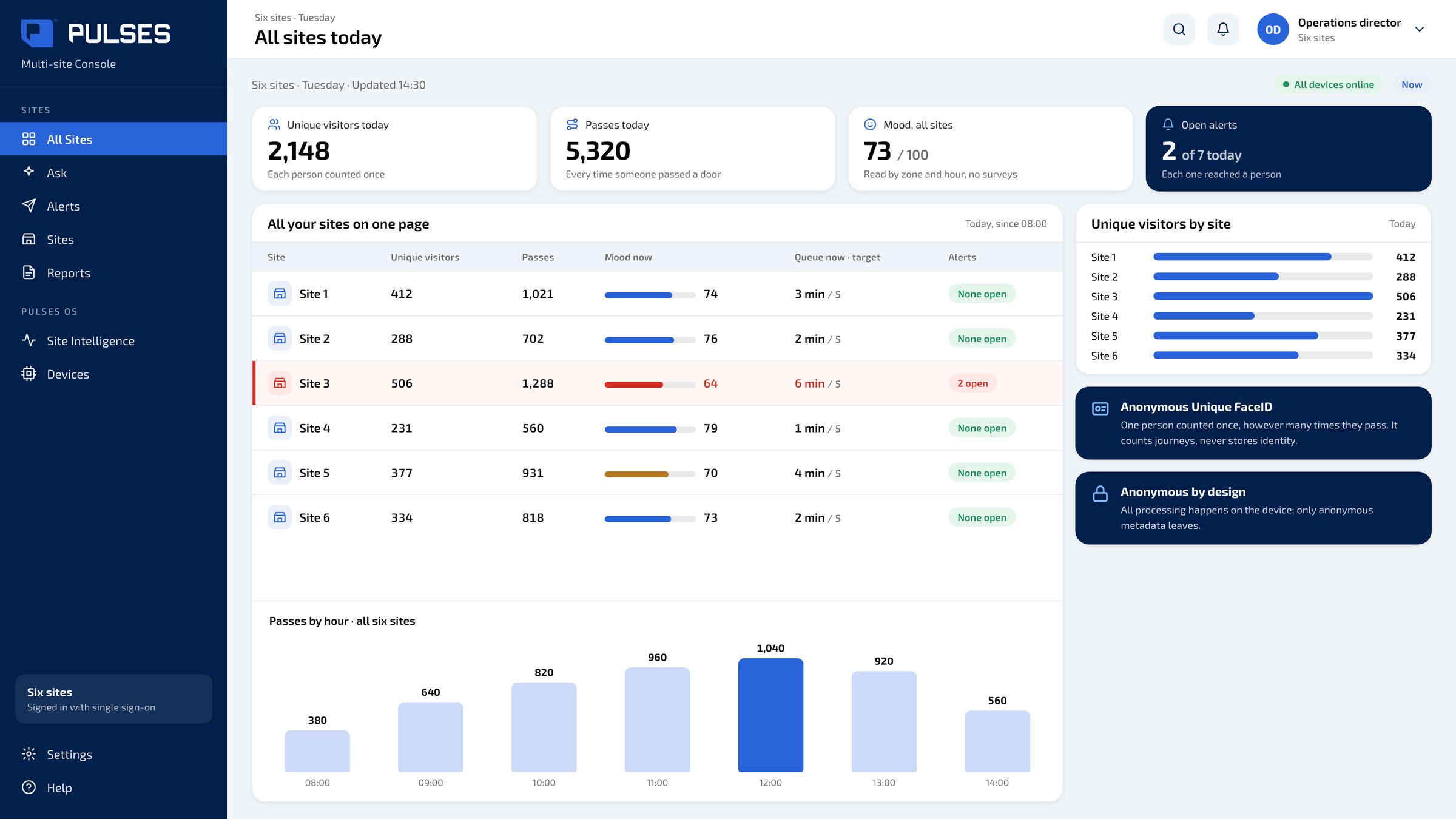
 All your sites on one page
Each site compared side by side. Each person is counted once, however many times they pass.
For multi-site businesses: each site reports its own way.
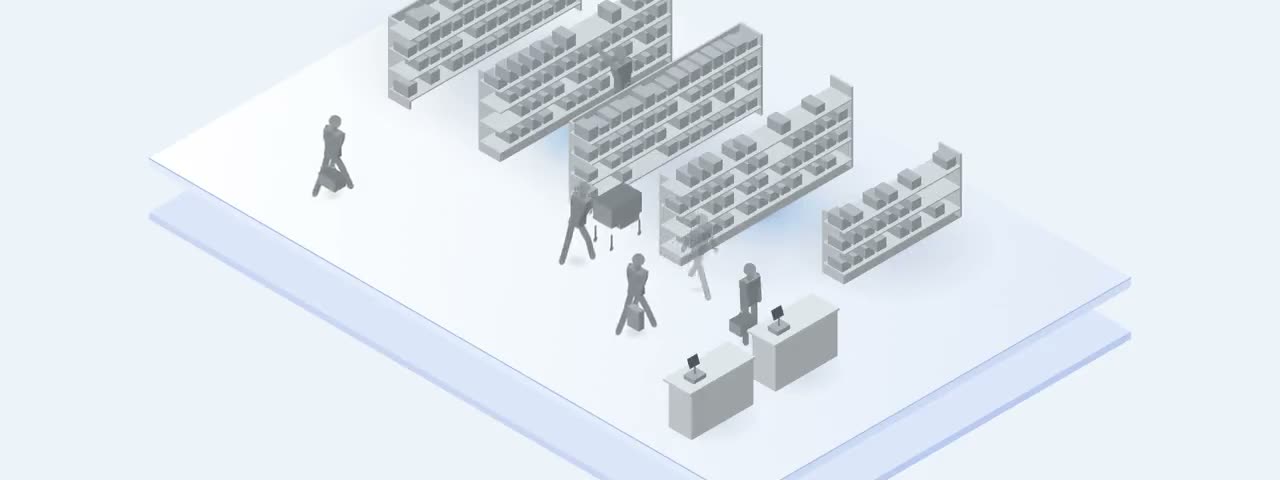
A Pulses Vision device sits on the ceiling at each site.
Anonymous Unique FaceID: one person counted once, however many times they pass; it counts journeys, never stores identity. Mood read by zone and hour, with no surveys. Ask in plain words: how long is the queue right now?
All your sites sit on one page, compared without a report. And alerts reach your team on WhatsApp, Teams, SMS or email.
01 / 03 Each site compared side by side. Each person is counted once, however many times they pass.
 02 / 03
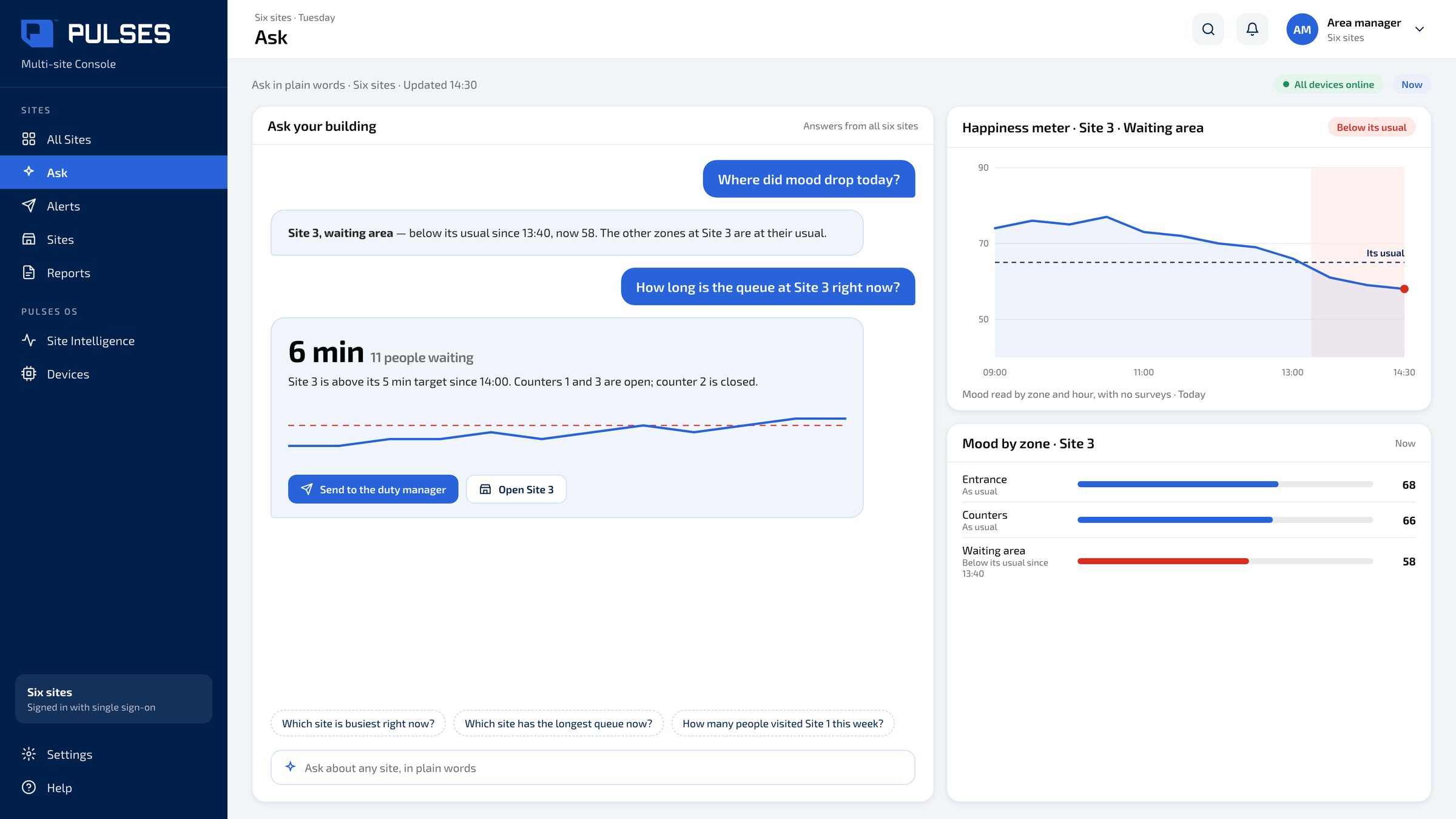
 Ask how long the queue is right now. The happiness meter shows mood by zone and hour, with no surveys.
 03 / 03
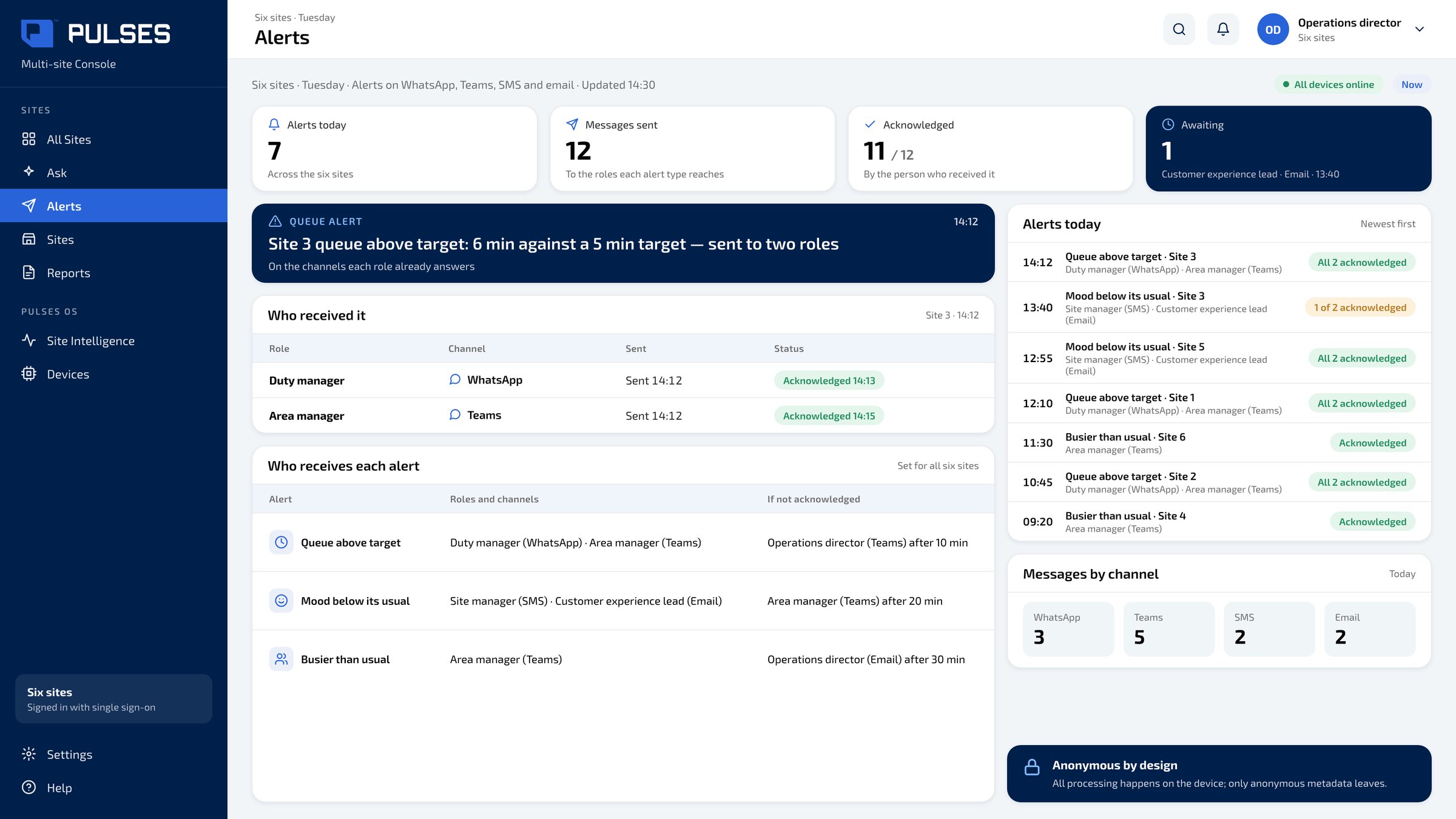
 Each alert on WhatsApp, Teams, SMS or email: who received it, and who acknowledged it.
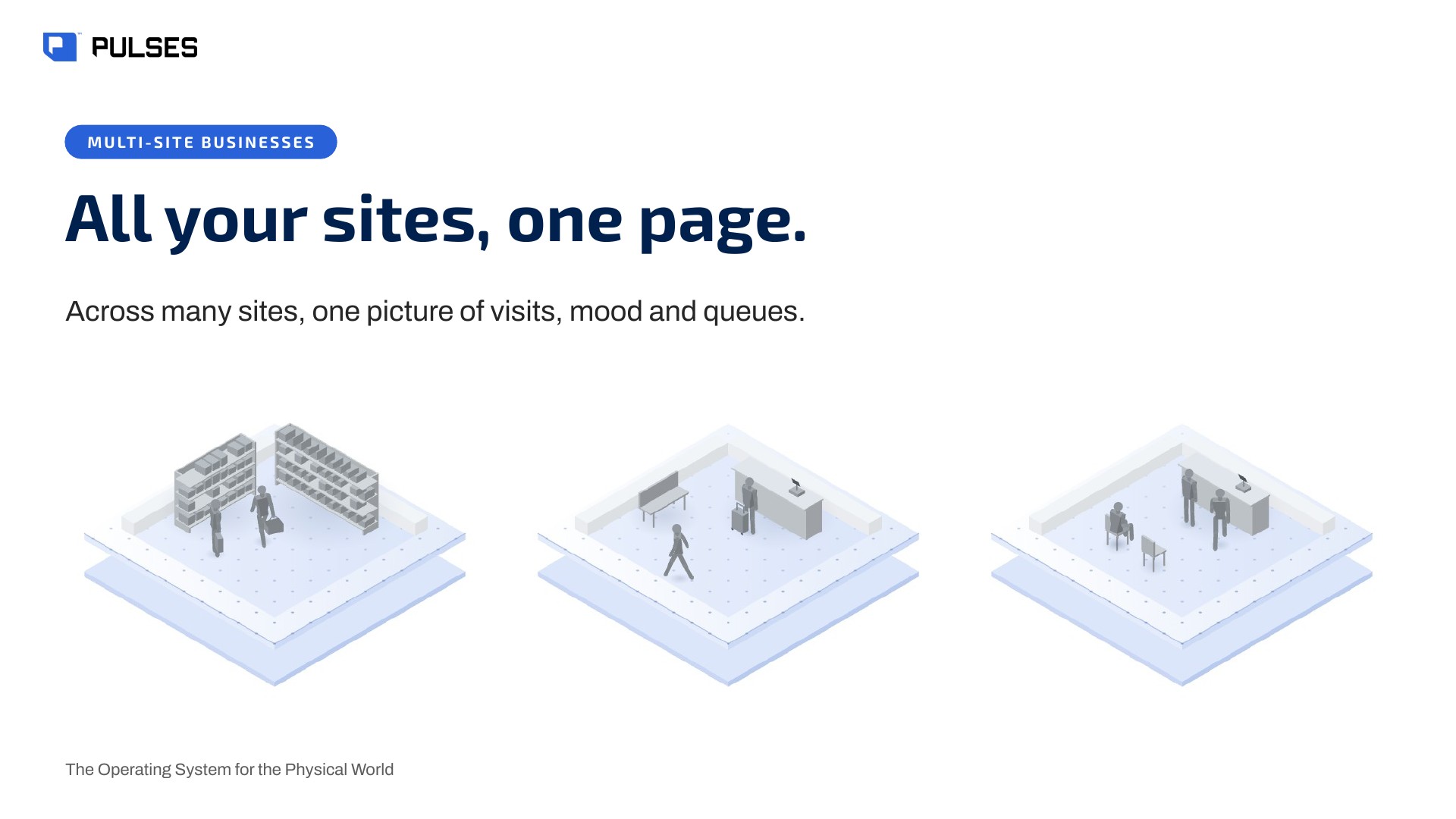
The story for your leadership team: the problem and how it works.
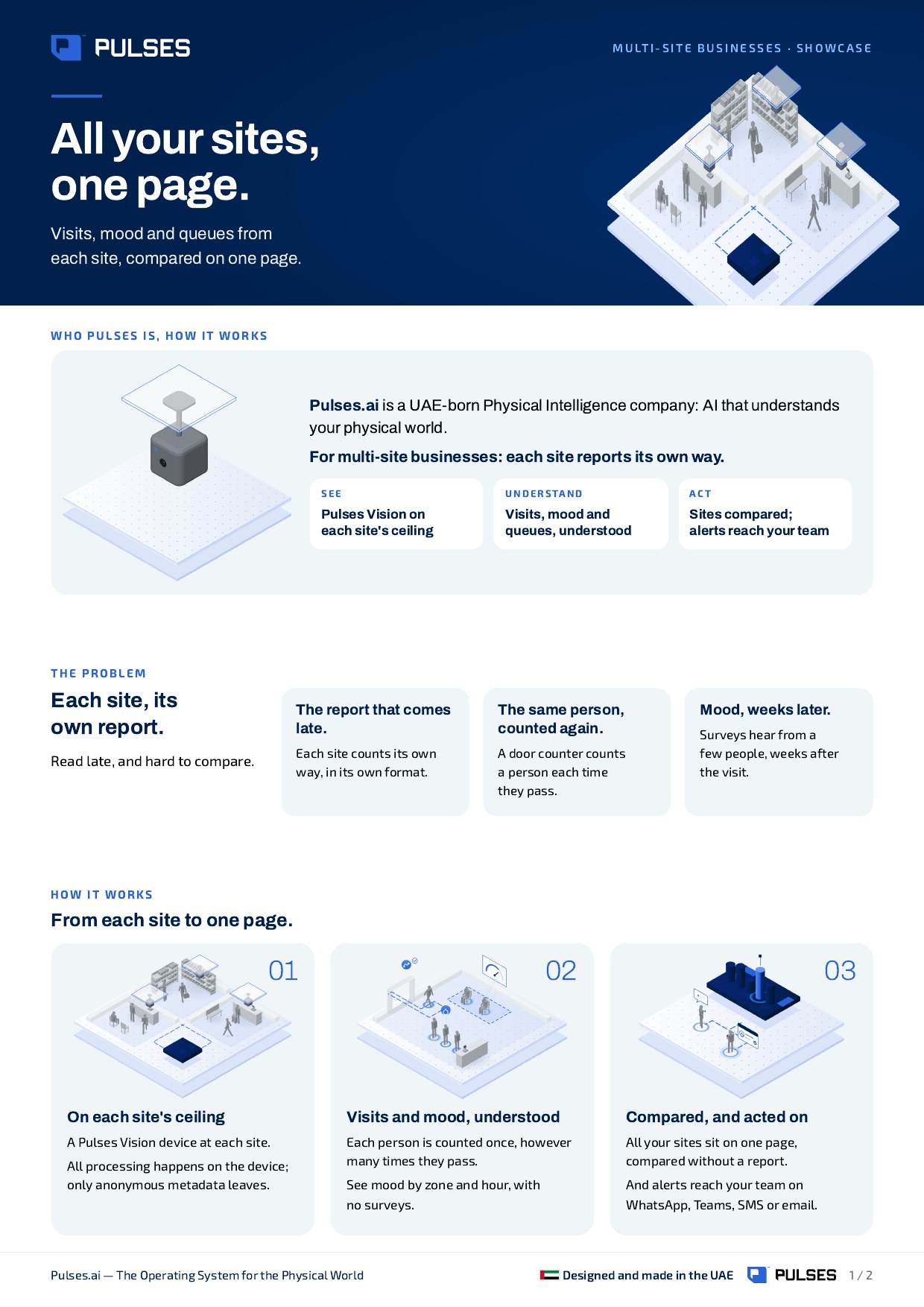
Print-ready. Hand it on after the walkthrough.
We walk through your sites with you, one by one.
Ask Pulses
Hello. Ask a question, or type your business.
Pulses spots a growing queue or a late car as it happens, and alerts your team.
What leaves the device is anonymous data, not video.
No. Pulses works alongside it, and can process its feeds on site.
Pulses Vision indoors, Vision Pro outdoors, Vision Tower for temporary sites, Vision Roam on vehicles.
Your supervisors, on the channels they use, with your approval.
Book a walkthrough. We find where Pulses helps first.
See Pulses at your site. Book a walkthrough.
Book a Walkthrough