Use case · 1-min film Event intelligence
Entrances & halls
Know how your event really went.
Footfall and dwell by entrance, hall and zone, ready for sponsors.
- Arrivals by entrance, by hour
- Dwell, hall by hall
- A report per zone, per day
Events & Venues
See the queue at each gate. Send stewards where it builds.
How it works
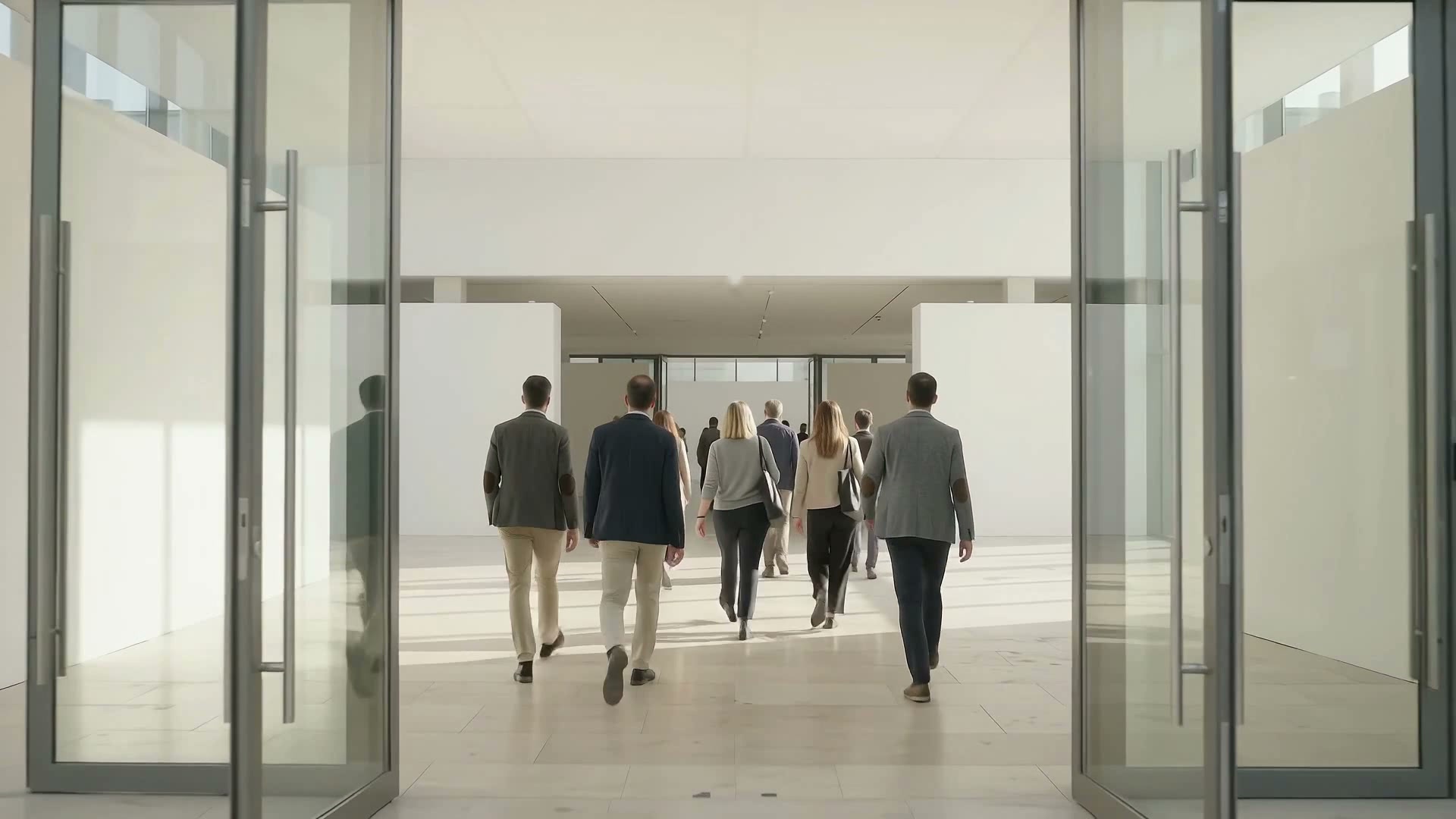 Hall 3 entrance · 412 this hour Illustrative
 Each entrance and hall is counted, hour by hour.
People now · against capacity
Hall 3 is 150 over the capacity you set.
IllustrativeEach hall's count is checked against the capacity you set.
AI Operator · now
Hall 3 is 150 over its set capacity. Send new arrivals to Hall 5?
ApproveNot now
To the safety lead
The safety lead gets the alert and sends stewards, with your approval.
Illustrative example. Counts are not from a customer event.
Where it works
Scroll each area. Some have a full use case and film.
Entrances & halls
Footfall and dwell by entrance, hall and zone, ready for sponsors.
Re-entries
Re-entries and hall-hopping don't inflate the count.
Crowd levels
The safety lead is alerted at the limit you set.
Food stands
Lines compared stand by stand. Staff move where it builds.
Car parks
Cars counted per car park. Marshals are sent where space is.
Pulses OS labels its screens in event terms: gate, hall, stand.
Pulses CX, Ops and Compliance, set up for gates, halls and stands.
Waits at the gate, time spent by hall, and repeat visits.
Gate and stand lines, crew by zone, and service times, live.
Zone counts against capacity, and a record of each incident.
Vision Tower stands at each gate, with its own power.
Ask Pulses
Hello. Ask a question, or type your business.
Pulses spots a growing queue or a late car as it happens, and alerts your team.
What leaves the device is anonymous data, not video.
No. Pulses works alongside it, and can process its feeds on site.
Pulses Vision indoors, Vision Pro outdoors, Vision Tower for temporary sites, Vision Roam on vehicles.
Your supervisors, on the channels they use, with your approval.
Book a walkthrough. We find where Pulses helps first.
See Pulses at your site. Book a walkthrough.
Book a Walkthrough