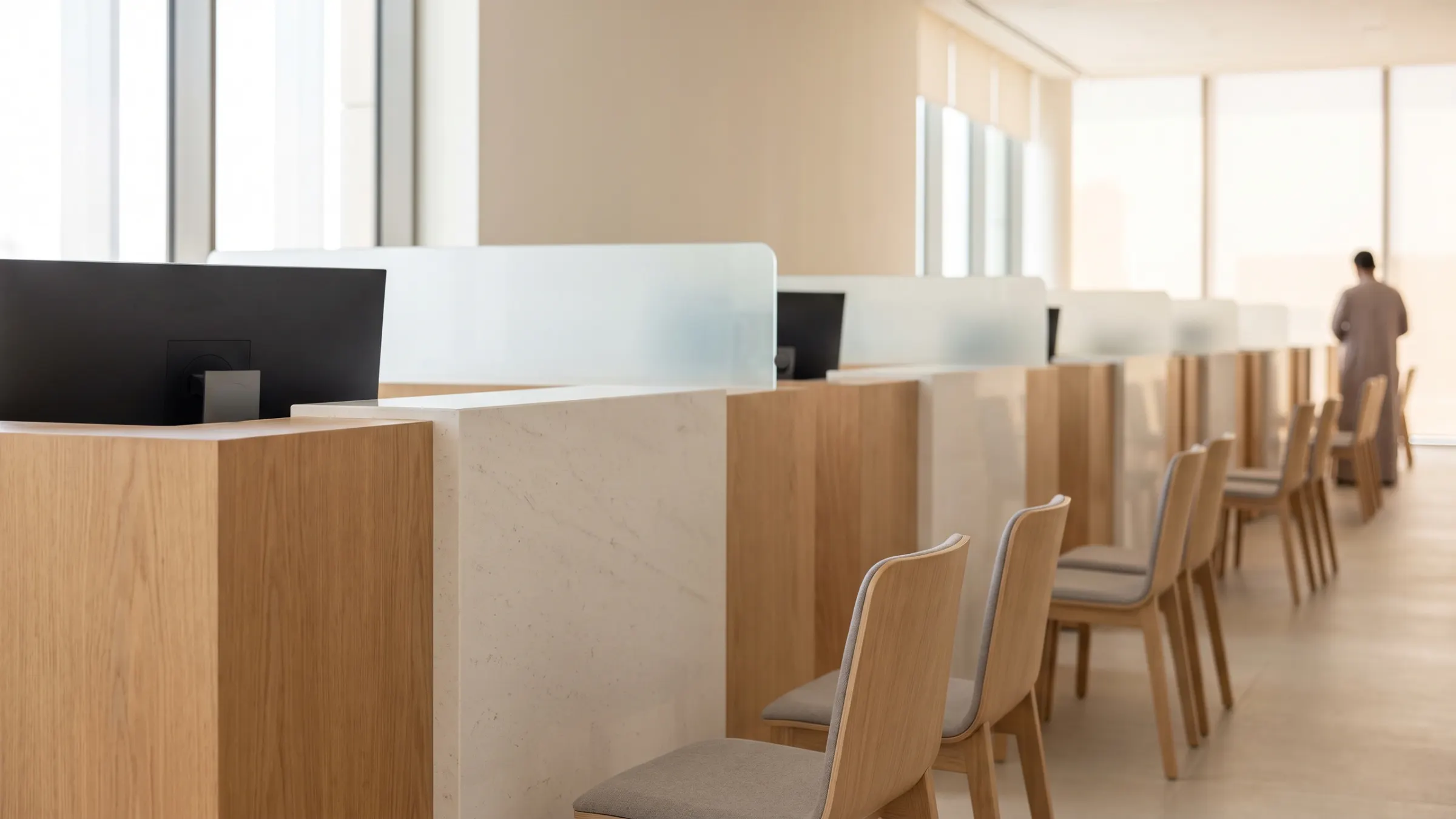
Use case · 1-min film Service centres Play film
Full use case Service centres
The whole visit, zone by zone.
Where people waited, and for how long. Bad visits, flagged for review.
- Busy and idle counters, live
- The path between services
- Visits flagged against your standard
See the full use case
Use case · 1-min film Vehicle inspection Play film
Full use case Inspection lanes
Each required check: done, or skipped.
Both stages timed to the second. Your inspectors decide.
See the full use case
The visits the log missed
Unserved visits
Visits the ticket log missed.
See who came in and left without being served.
- Walk-ins against tickets issued
- Left before a counter, by hour
- The zones they left from
Peak hours on your floor plan
Busy hours
Busy hours, centre by centre.
Peak hours by zone, so rosters follow the visitors.
- Visitors by zone, by hour
- Peaks on your floor plan
- Centres side by side
Car parks & fleet
Free spaces, by car park.
Vehicles counted in each car park and fleet bay.
- Car park occupancy, live
- Free spaces by hour
- Fleet bays in use