Education & Campus
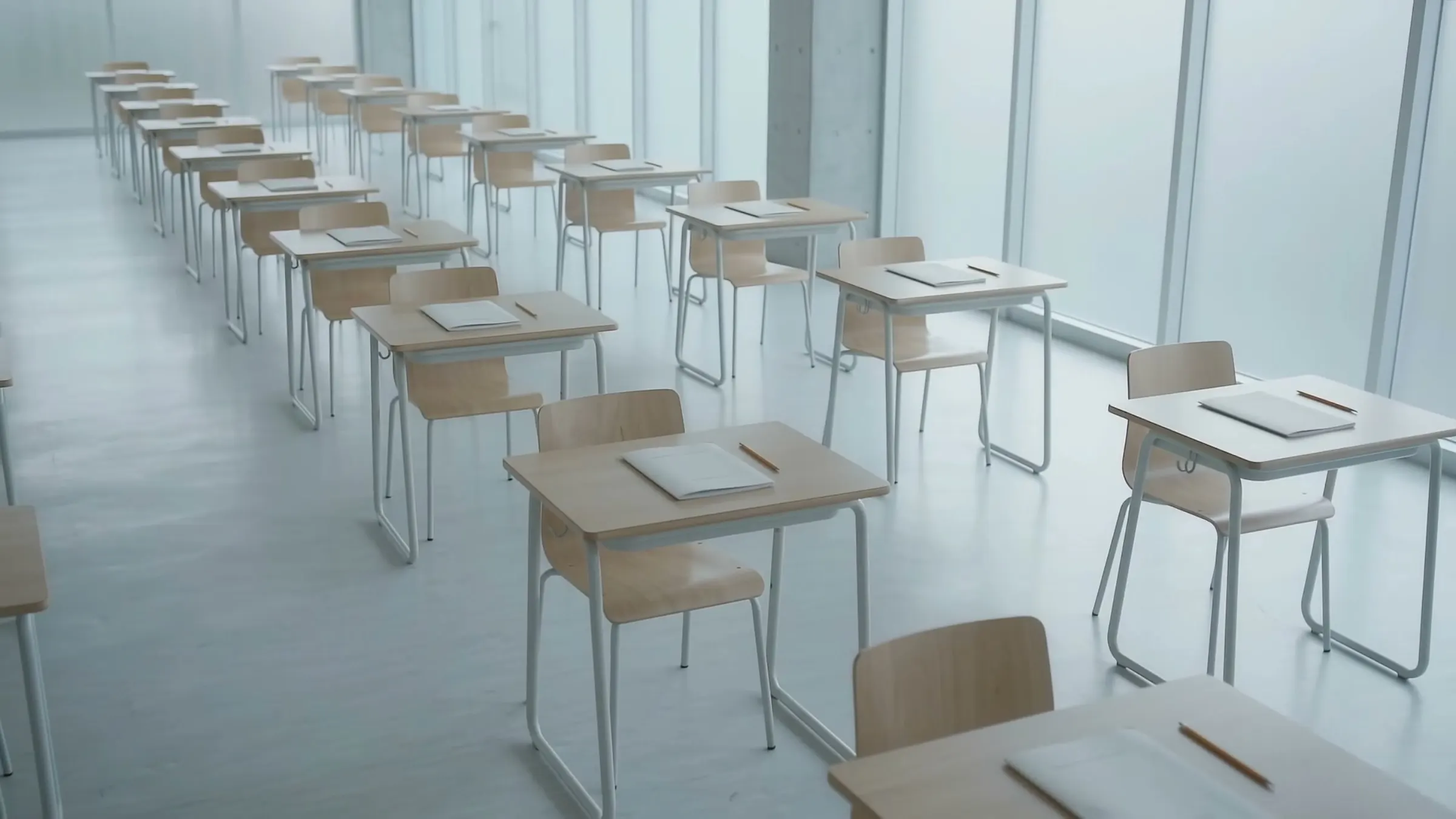
Lab 2 sat empty until noon.
See each room's use by hour. Rebook the empty ones.
Your timetable says the room is booked. It doesn't say it's empty.
Processed on the device. What leaves is anonymous data, not video.
Booked rooms, empty seats.
Bookings show the plan, not how many turn up. Pulses OS shows real use, room by room.
How it works
Pulses Vision Devices sit over building entries, classrooms, libraries and car parks.
- 01
Install the devices
Pulses Vision Devices go on the ceiling of each room and entry.
- 02
Edge Processing
Each device turns what it sees into counts, on the device.
- 03
Anonymous data, not video
What leaves the device is anonymous data, not video.
- 04
Alerts to your team
Room counts, crowding and after-hours alerts go to facilities and security.
What it spots
Pulses Ops for rooms and crowds. Pulses Compliance for safety and access.
Operations
-
Class-change crowding
See where corridors and entries crowd at class change, building by building.
-
Room and lab use
Pulses Vision counts people in each room by hour. See which booked rooms sit empty.
-
Libraries and common areas
Headcount by area in libraries and cafeterias. Staff get an alert as an area nears capacity.
-
Parking and shuttle stops
Lot occupancy and the line at each shuttle stop, by hour.
-
Graduations and exam days
Crowd counts by zone on big days. Staff get an alert as a zone fills.
Compliance
-
Restricted-area alerts
A person in a lab, server room or chemical store out of hours sends an alert to security.
-
Zone counts during evacuation
How many people are in each zone, live, so wardens know where to check first.
-
After-hours alerts
People in buildings or car parks after hours send an alert to security.
-
Arrivals by entry
Pulses Vision counts arrivals at each building entry, by hour.
-
A record for each alert
Each alert and room count is kept as an anonymous record, for your audits.
Why Pulses on campus
Insights, not images.
-
Processed on the device
Each device processes in the room. Video streams are not sent to the cloud.
-
Privacy by design
Pulses OS shows room counts and times, not who was there.
-
Indoors and out
Pulses Vision for classrooms. Pulses Vision Pro, sealed to IP67, for courtyards and car parks.
-
Works with your CCTV
Pulses works alongside your CCTV. The Pulses Appliance can process its feeds on site.
Who Uses It
-
Campus Operations
VP Facilities, Directors of Operations, Space Planners
Room use and crowding by hour, in Pulses Ops.
-
Safety & Security
Campus Police Chief, Safety Directors, Emergency Management
Zone headcounts and restricted-area alerts, in Pulses Compliance.
-
Academic Planning
Provost Office, Registrar, Department Chairs
Real room use, to plan the timetable and space requests.
-
Executive Leadership
President, VP Finance, Board of Trustees
Space use across buildings, before you plan new ones.
Deployment Options
Pulses Cloud, your Azure tenant, or a Pulses Appliance on site.
-
Pulses Cloud
Hosted by Pulses. The fastest way to start.
-
Your Azure tenant
Pulses OS in your own Azure tenant. MACC eligible.
-
Pulses Appliance
On your site, for data that must stay there.
-
On the device
Each device processes on site. What leaves is anonymous data, not video.